9. Traffic Tests
9.1. TCP and UDP Tests using IPERF :
As all nodes are ubuntu nodes, we can just install iperf and start use it. In this below example shows the IPERF traffic gene
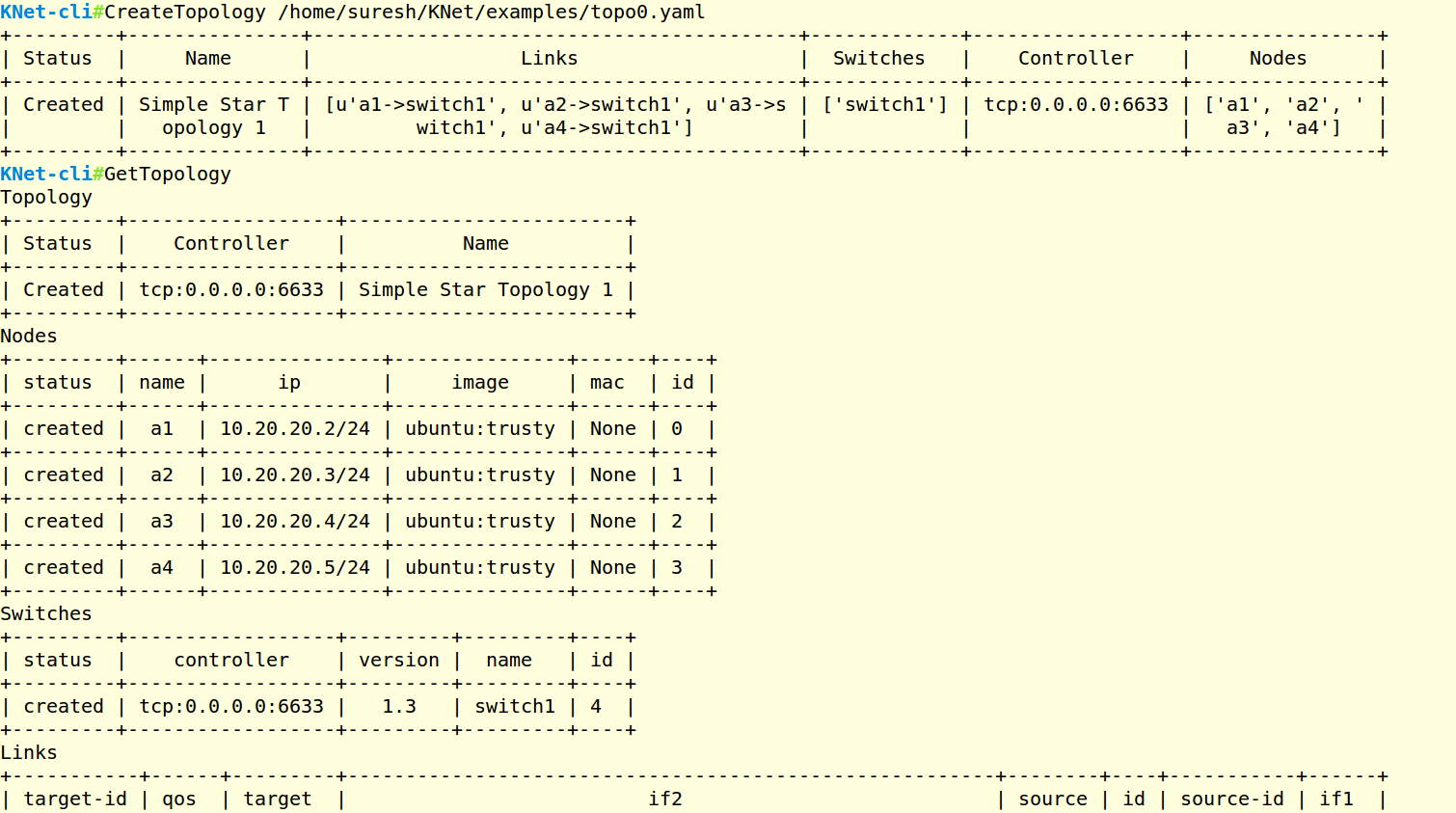
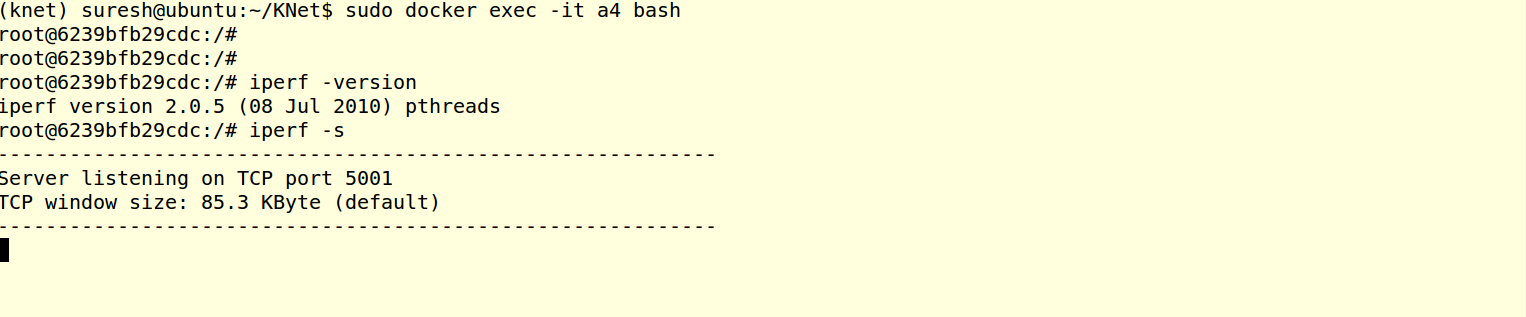
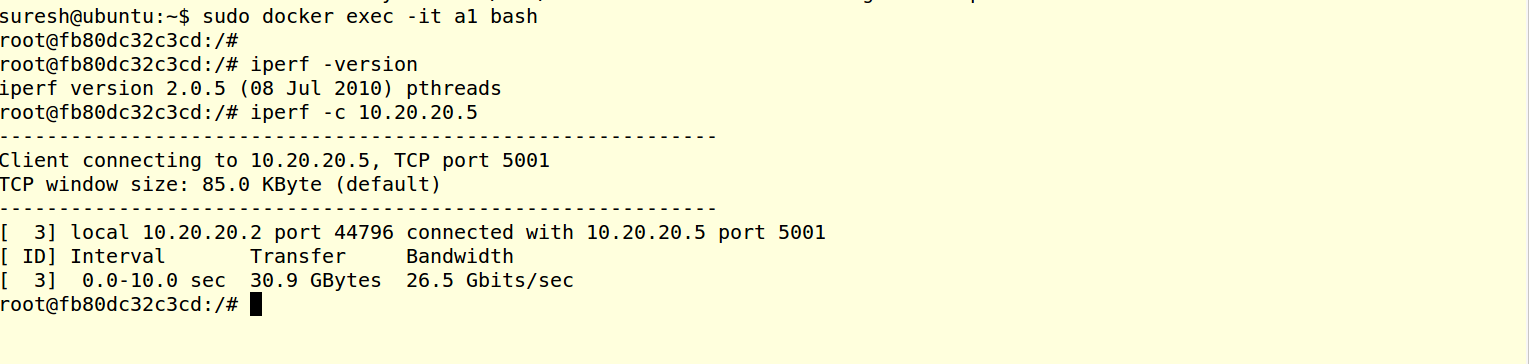
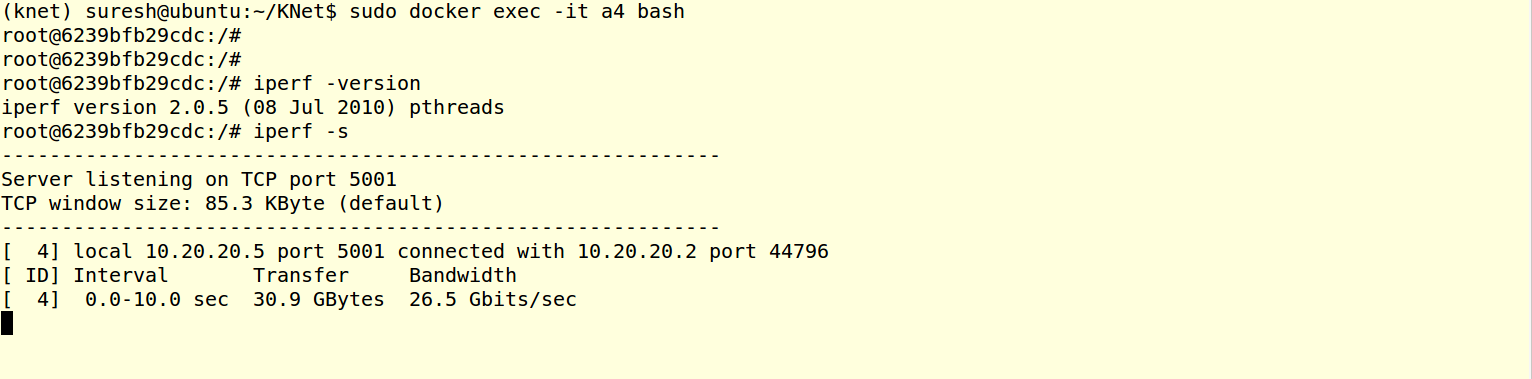
Objective is create the example topology0, and generate the IPERF Tests between node a1 and a4. a4 will act as iperf server, and a1 will act as iperf client.
a1 node ip is 10.20.20.2 a4 node ip is 10.20.20.5
9.1.1. Create the Topology using KNet CLI.
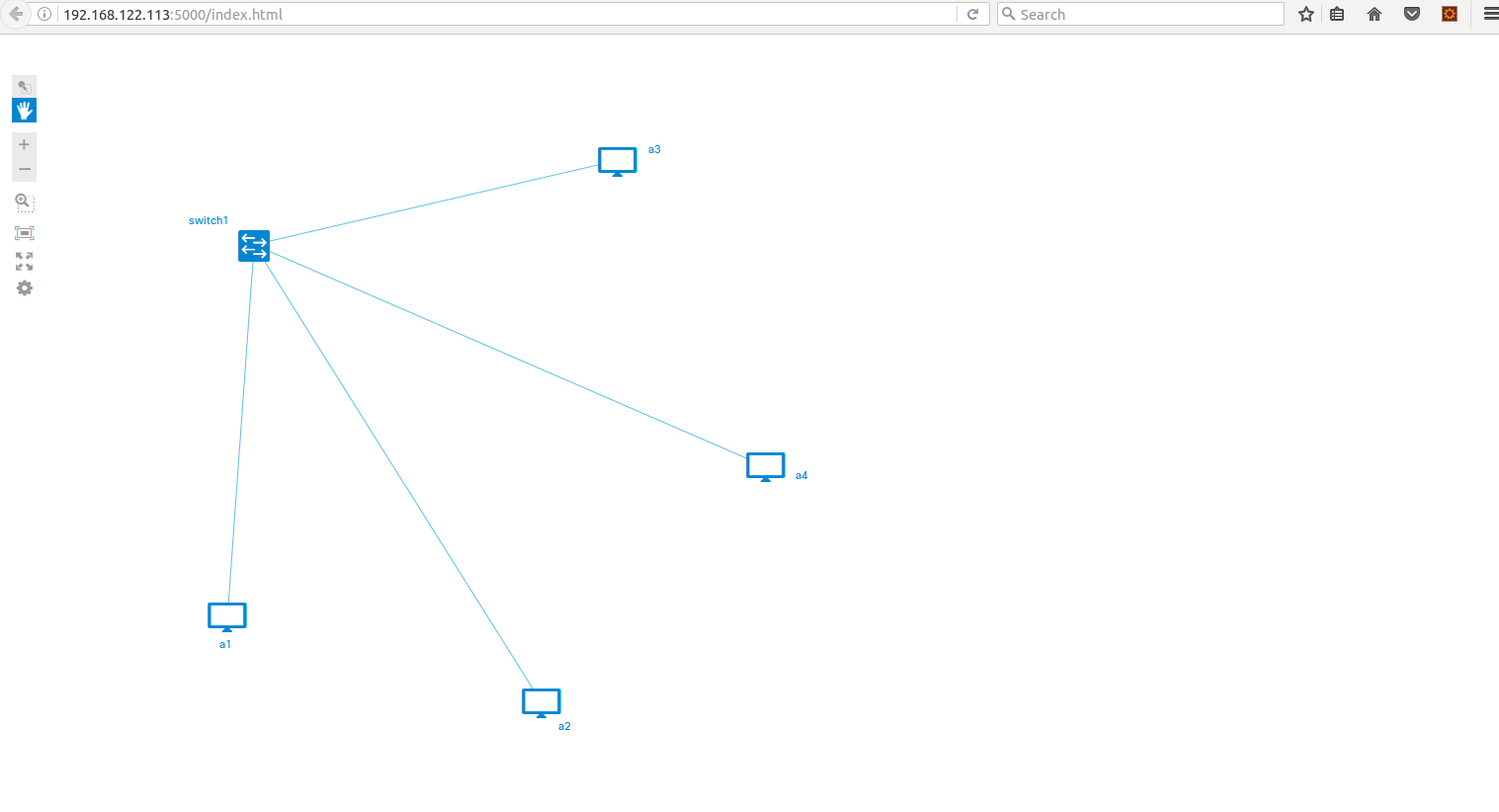
9.1.2. View the Topology Web UI
9.1.3. Start the Ryu Controller SimpleSwitch13 application,

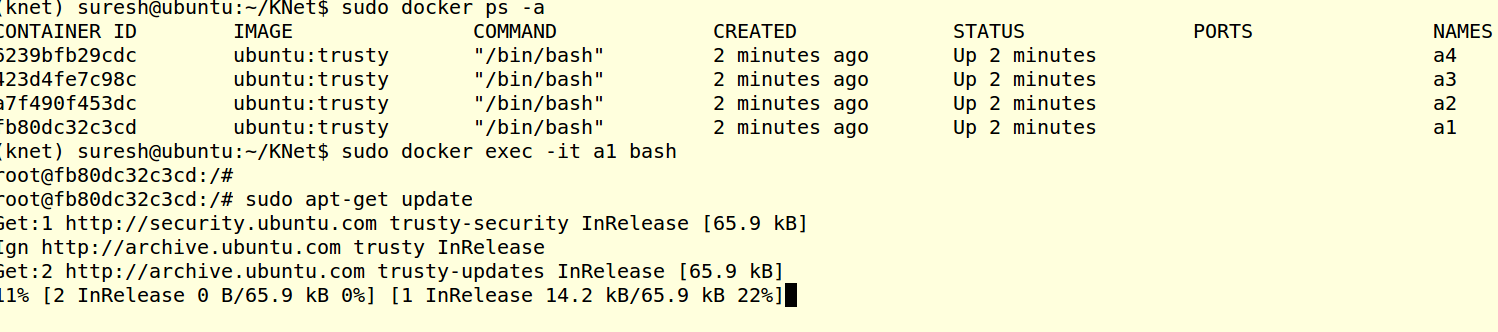
9.1.4. Install the IPERF on a1 node
sudo docker exec -it a1 bash
sudo apt-get update
sudo apt-get install iperf
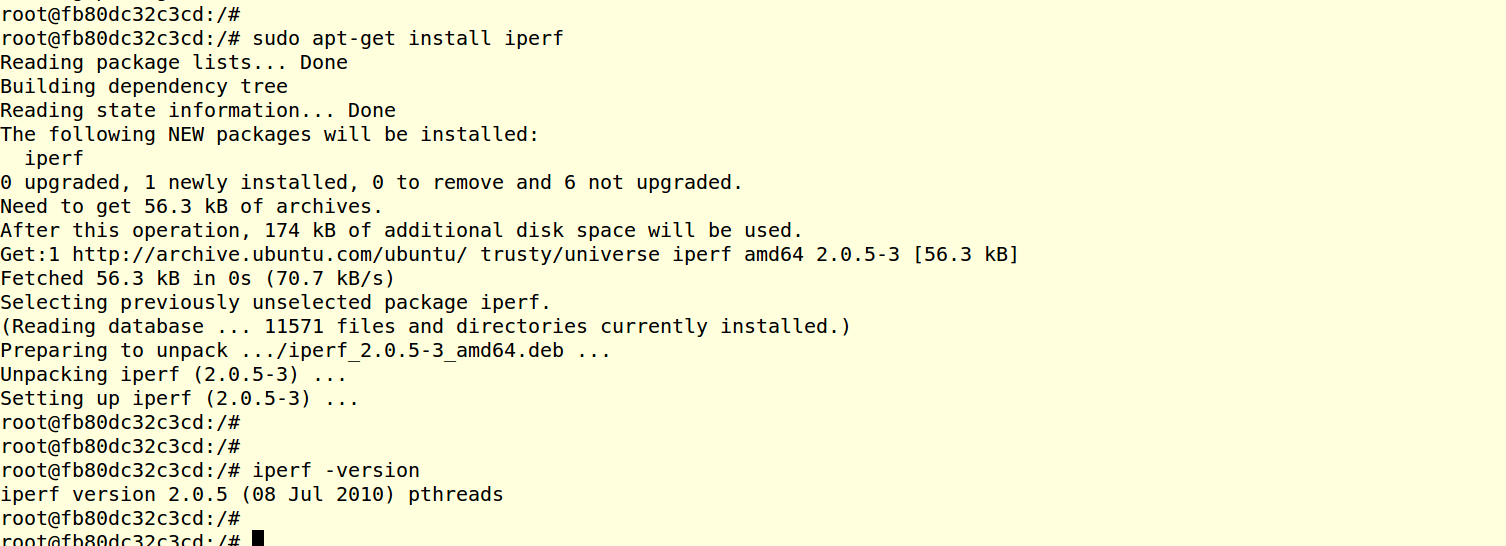
9.1.5. Install the IPERF on a4 node
Repeat the IPERF installation methond mentioned in above step in node a4.
9.1.9. Check the OVS flows.

9.1.10. References
IPERF supports UDP Traffic tests as well , Below links can help you for udp tests.
9.2. HTTP Tests Using Apache WebServer & Locust :
As all nodes are ubuntu nodes, we can just install Apache Webserver and Locust https://locust.io/ (HTTP Load Testing Tool) start using it.
Objective is create the example topology0, and Install the Apache Web Server in a4 node. Install Locust in a1 node. Trigger the Locust to test the apache web server(a4). Locust will generate huge http connections to the Apache web server and load it.
a1 node ip is 10.20.20.2 a4 node ip is 10.20.20.5
9.2.1. Create the Topology using KNet CLI.
9.2.2. View the Topology Web UI
9.2.3. Start the Ryu Controller L4Switch application,
L4Switch(https://github.com/knetsolutions/knet/L4Switch.py) application creates flow based on srcip, dstip, protocol,srcport, dstport.

9.2.4. Install the Apache WebServer on a4 node
sudo docker exec -it a4 bash
sudo apt-get update
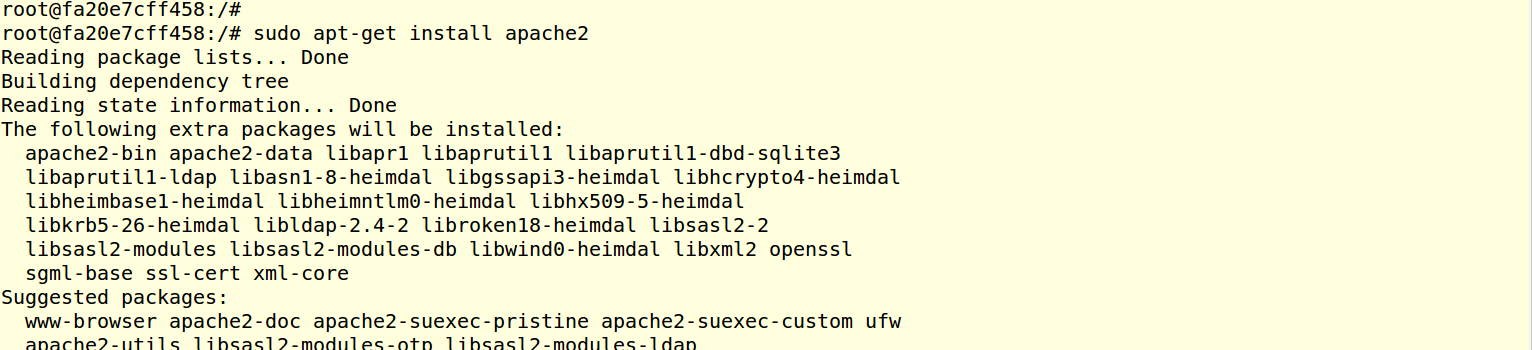
sudo apt-get install apache2
sudo service apache restart

9.2.5. Install the Locust Tool on a1 node
sudo docker exec -it a1 bash
sudo apt-get update
sudo apt-get install python-dev python-pip
sudo pip install locustio

9.2.6. Run the Locust HTTP Load test
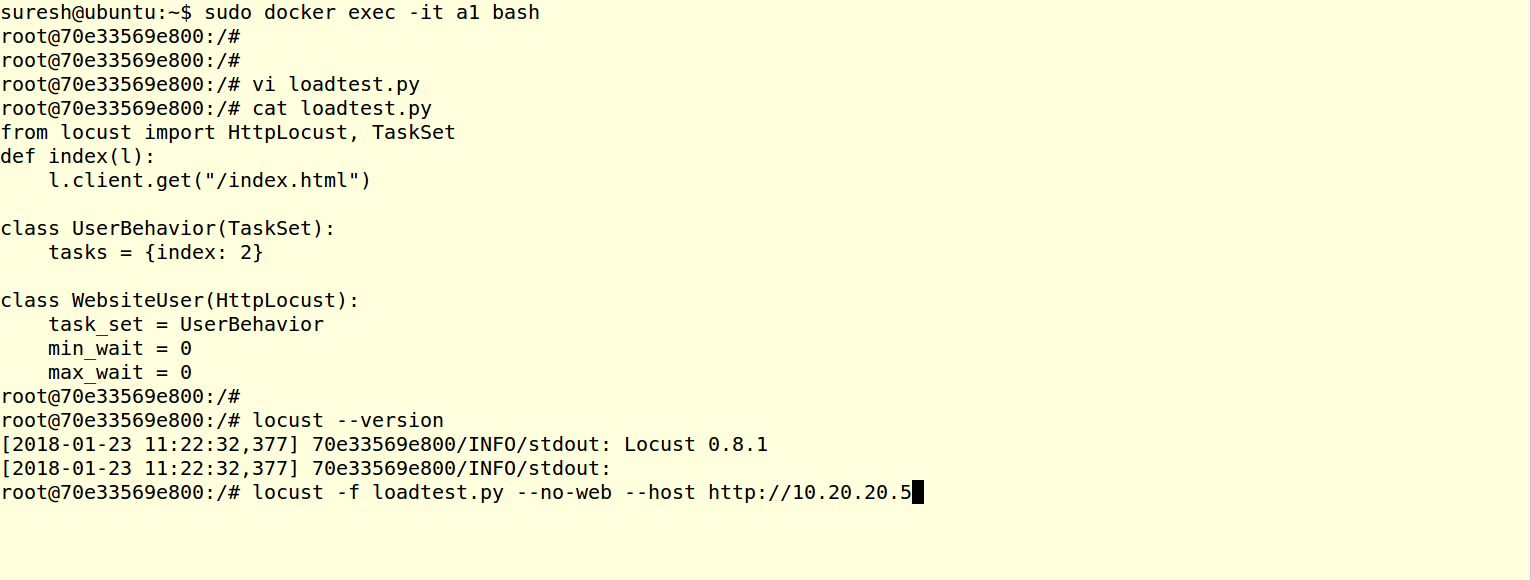
In the a1 node, Create a locust input file (loadtest.py)
from locust import HttpLocust, TaskSet
def index(l):
    l.client.get("/index.html")

class UserBehavior(TaskSet):
    tasks = {index: 2}

class WebsiteUser(HttpLocust):
    task_set = UserBehavior
    min_wait = 0
    max_wait = 0
Start the locust as below, 10.20.20.5 is a4 IP
locust -f loadtest.py --no-web --host http://10.20.20.5
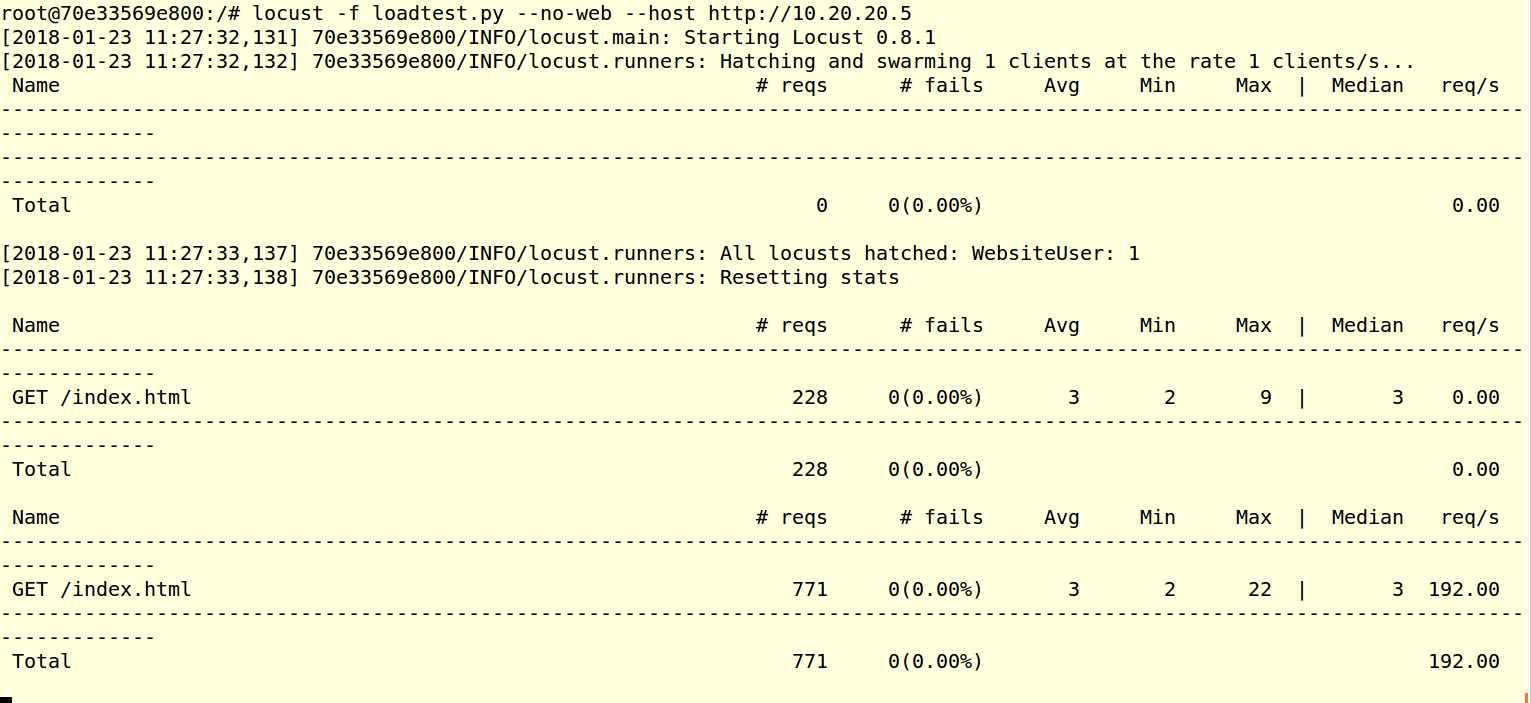
The output shows , how many connections per second requested and the response time, etc.
Check the flow tables in ovs
sudo ovs-ofctl -O OpenFlow13 dump-flows switch1
sudo ovs-ofctl -O OpenFlow13 dump-flows switch1 | wc
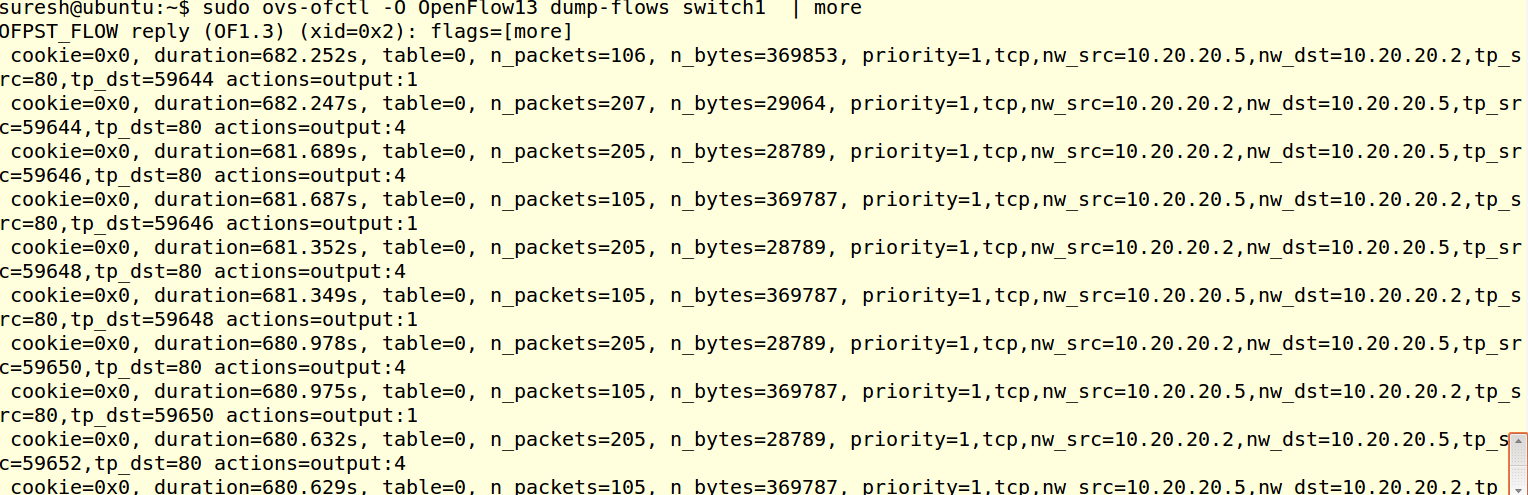

I could able to simulate around 2000 Flows in 2 minutes. we can test flow setup rate using this test.